Announcing Multi-Language Changelog Translations in ChangeCrab
Shipping features is only half the job. Making sure every user understands those changes is just as important.
Announcing Multi-Language Changelog Translations in ChangeCrab
Shipping features is only half the job. Making sure every user understands those changes, in the right language and the right tone, is just as important.
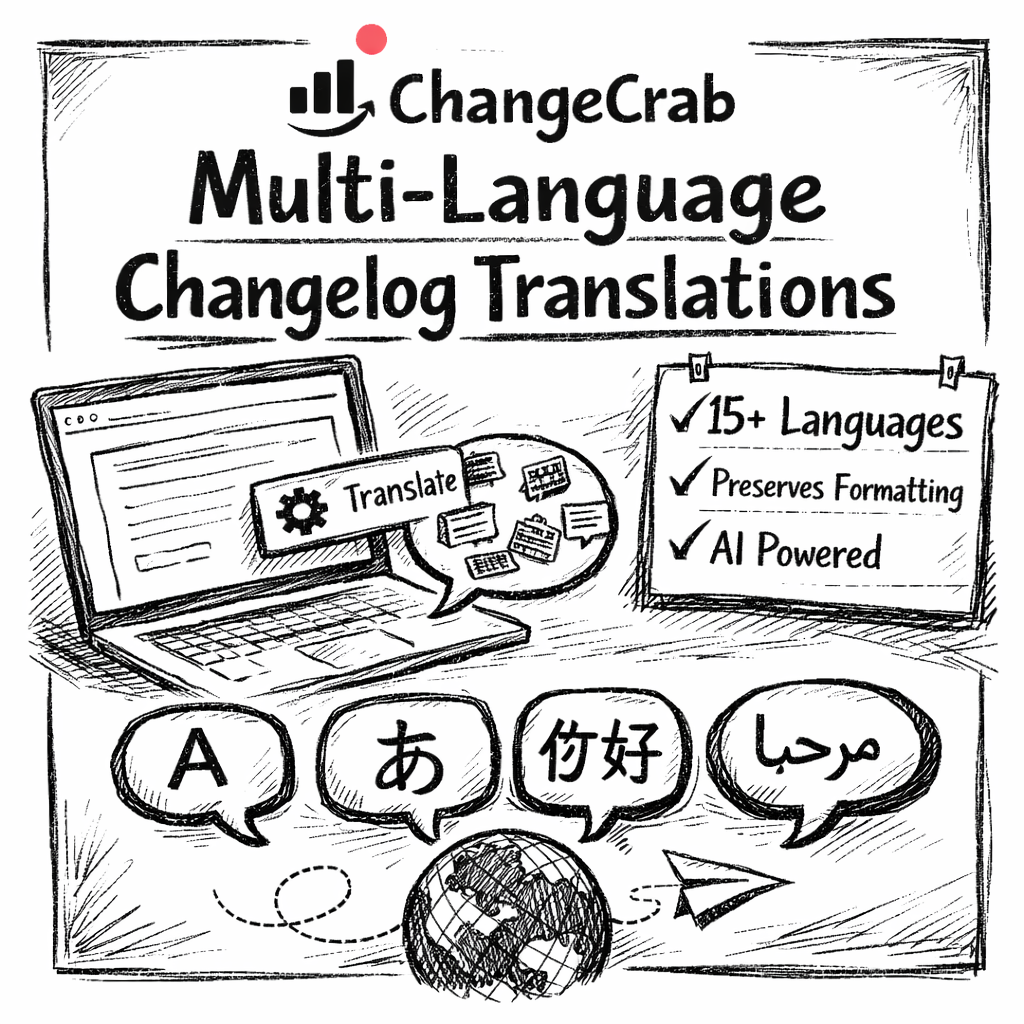
Today, we are launching Multi-Language Translations for Changelogs in ChangeCrab. This feature lets you translate changelog entries into 15+ languages with a single click, while also controlling how those updates are presented to different audiences.
This is not just translation. It is localisation done properly.
More Than Translation: Language, Tone, and Intent
A good changelog is not one-size-fits-all.
Developers expect precision. Customers want clarity and reassurance. Marketing updates need polish. Simply converting words from one language to another is not enough if the message lands wrong.
ChangeCrab’s translation system is built around this idea. Each translated changelog entry can be:
- Written in the correct language
- Tuned to the right audience
- Protected against unwanted term changes
- Visually consistent with the original entry
The result is changelog content that feels intentional and native, not machine-generated or generic.
Why Multi-Language Changelogs Matter
Many products serve users across multiple regions, but changelogs are often written in a single language and tone.
This can lead to:
- Users missing important updates
- Confusion around breaking changes
- Increased support questions
- International users feeling secondary
With multi-language, audience-aware changelogs, you can:
- Communicate updates clearly to global users
- Reduce misunderstandings and friction
- Improve transparency and trust
- Deliver consistent messaging across regions
All without duplicating work or managing multiple changelog tools.
AI-Powered Translations Built for Changelogs
ChangeCrab’s translation feature is designed specifically for product updates and release notes.
When you translate a changelog entry, ChangeCrab preserves:
- Headings and formatting
- Structured content
- Embedded images
- Image captions
You get clean, readable changelog entries in every language, without fixing layout issues or rewriting content.
Supported Languages
ChangeCrab currently supports translation into the following languages.
European Languages
- English
- Spanish
- French
- German
- Portuguese
- Italian
- Dutch
- Polish
- Russian
- Turkish
Asian Languages
- Japanese
- Chinese (Simplified)
- Korean
- Hindi
Middle Eastern Languages
- Arabic
If you need a language that is not listed, contact us and we will consider adding it.
How to Translate a Changelog Entry
Translating an entry only takes a few steps.
Step 1: Open the Translation Modal
- Open your changelog entry in the editor
- Make sure the entry is saved
- Click the Translate button in the AI Functions toolbar
Translations can only be added to saved entries.
Step 2: Select Languages
- Choose one or more languages
- Your previous language selections are remembered
- Each language costs 0.5 AI credits
This makes bulk translations fast and cost-effective.
Step 3: Set Audience and Glossary Terms
This is where localisation really happens.
Before generating translations, you can configure how each language should read.
Audience-Based Tone Control
You can select an audience per language to control tone and wording.
Available options include:
-
Developers
Direct, technical language with minimal embellishment -
Customers
Clear, friendly wording focused on impact and reassurance -
Marketing
Polished, benefit-driven language suitable for announcements -
Technical
Precise phrasing for infrastructure, APIs, and system changes -
Simple (general audience)
Plain language that is easy to understand for non-technical readers
This ensures translated changelog entries feel appropriate for the people reading them, not just accurate.
Glossary Terms That Should Never Change
Some words should remain exactly as written, regardless of language.
ChangeCrab lets you define glossary terms that are excluded from translation.
Common examples include:
- Product names like ChangeCrab
- Feature names and UI labels
- Technical terms such as API, webhook, OAuth
- Brand names and trademarks
Each term is added one per line and applied consistently across all translations.
This avoids mistranslations, protects meaning, and keeps changelog content aligned with your documentation and UI.
Step 4: Generate Translations
Click Translate With AI and wait a few seconds.
- Translations typically complete within 5 to 15 seconds
- All translations are saved automatically
- You can edit them immediately
Editing and Managing Translations
Once translations are generated, they can be edited directly in the changelog editor.
Language Tabs
- Original returns you to the main EditorJS editor
- Translation tabs show a simple editor for each language
From these tabs you can:
- Edit translated titles and content
- See image previews from the original entry
- Delete a translation if it is no longer needed
Manual edits never consume AI credits.
How Images Work With Translations
Images from your original changelog entry are automatically included in every translation.
- Images are extracted from the original content
- The same images appear in all language versions
- Image captions are preserved
- Thumbnails are shown in translation tabs
Images themselves are not translated. Only the text content changes.
Viewing Translations on Your Public Changelog
Visitors will see translated content on your public changelog when:
- A translation exists for the entry
- A language selector is available
- The visitor selects a supported language
ChangeCrab automatically displays the translated title, translated content, and original images.
AI Credit System
Translations use ChangeCrab’s simple credit-based system.
- 0.5 credits per language
- Example: Translating into four languages uses two credits
- Premium plans include 50 credits per month
- Editing translations manually is always free
This keeps costs predictable, even when translating many entries.
Best Practices for High-Quality Localisation
For the best results:
- Write clear and direct source content
- Set the correct audience before translating
- Add glossary terms for anything that must not change
- Review important announcements before publishing
Communicate Clearly, Everywhere
Multi-language changelog translations make it easy to communicate updates globally without adding complexity to your workflow.
With ChangeCrab, you can:
- Localise changelog entries in minutes
- Control tone and presentation per audience
- Preserve formatting and images automatically
Upgrade to ChangeCrab Premium and start delivering changelog updates that feel native, intentional, and professional in every language.